How to Write an ATS-Friendly Resume in College
By Sarah Jenkins · · 6 min read
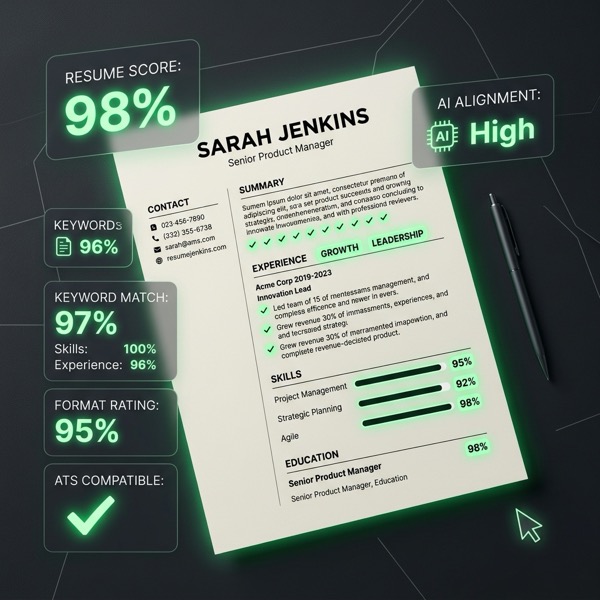
An Applicant Tracking System (ATS) is software designed to help employers manage, parse, and structure job applications. When you submit your resume online, the software scans the file, extracts the text, structures the information, and matches keywords to the job description to help recruiters filter candidates.
To get your resume seen, you need to understand how these parsers work. However, you should demystify ATS scoring without exaggerating it. An ATS is not a trick system to beat; it is simply a reader that values clarity and relevance.
Formatting to Avoid Parsing Errors
According to university career centers (such as UConn and MIT), the best way to format an ATS-friendly resume is to keep it straightforward:
- Avoid columns, tables, and text boxes: These elements can disrupt the parsing order, causing your text to merge into unreadable strings.
- Skip images and graphics: ATS scanners cannot read images, and graphics can cause the parser to fail entirely.
- Use standard headings: Stick to classic section titles like Education, Experience, and Skills so the software knows exactly where to extract data.
- Use standard file types: MIT recommends saving your file as a PDF or DOCX unless the employer specifies otherwise.
The Selectivity Principle
For college students and recent grads, a resume should be a concise summary tailored to the target role. The University of Utah advises students to avoid outdated skills, irrelevant details, and exhaustive job lists, aiming to keep the document to exactly one page.
To write strong descriptions, use the X-Y-Z formula (Accomplished X, as measured by Y, by doing Z) and use active, fact-based language. Remember: the ATS is only the first reader—the final decision is made by a human.
AI as an Editor, Not the Author
Generative AI tools can be incredibly helpful for brainstorming bullet-point revisions and incorporating keywords from a job posting. However, AI should never be the primary author of your resume.
If you let AI draft your entire resume, it will sound generic and lack authenticity. Instead, treat your AI resume editor as a gap-checker and feedback layer:
- Brainstorming: Use AI to refine draft bullet points.
- Keyword Alignment: Check if your resume vocabulary matches the job description. Avoid "keyword stuffing" or abbreviating search phrases, as this can reduce recognition.
This is how student resume builder tools should be positioned. EduGenie's resume scorer is designed to act as a diagnostic feedback layer (similar to VMock), checking your formatting, structure, and keyword alignment, then pointing you toward human-driven revisions.
Related on EduGenie